E-Parking Add Hour
Parking Validation Tool for Mall Parking Staff
This project was completed during my time at The Mall Group. The work is shown here for portfolio purposes only.
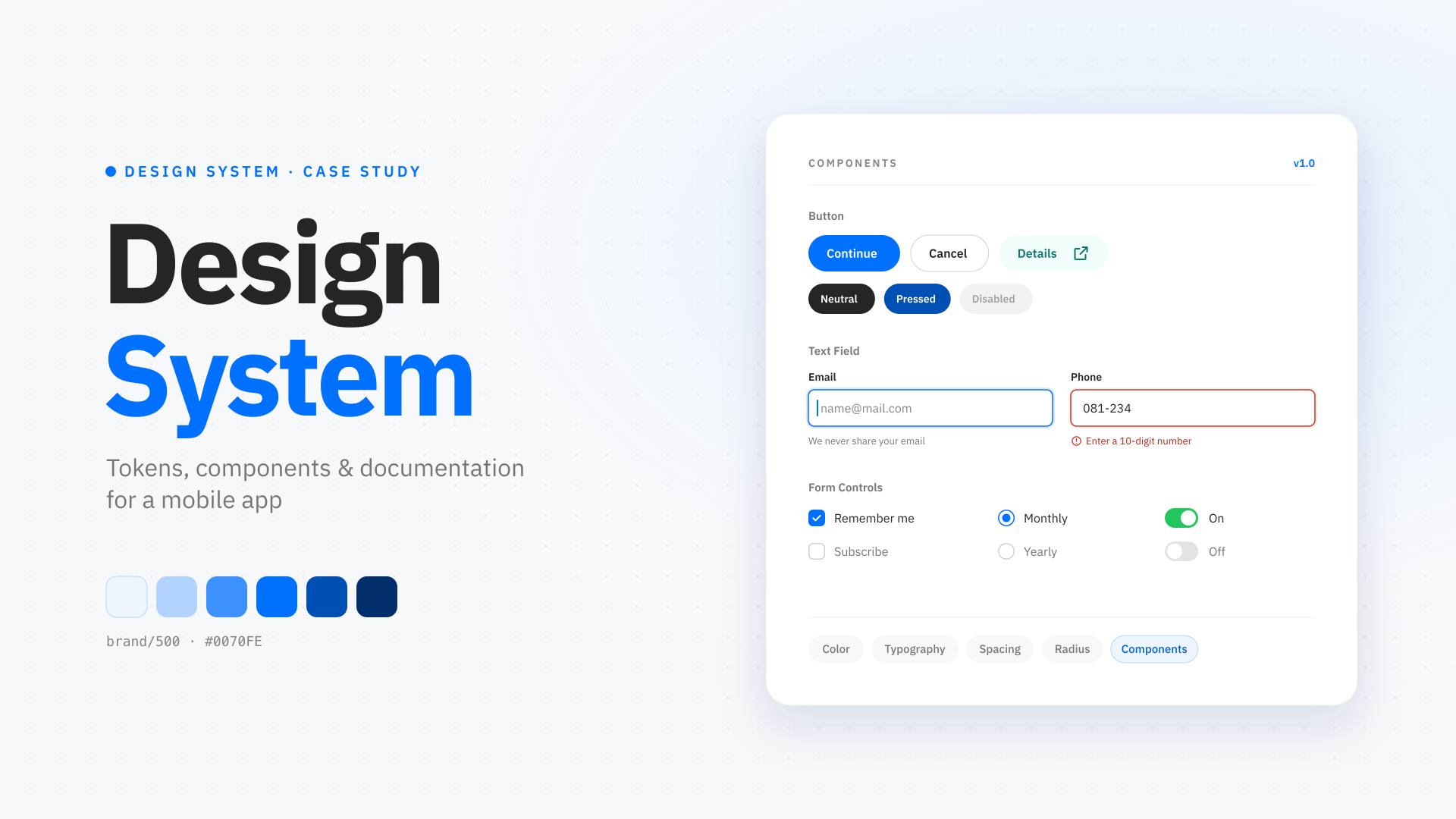
Tools behind the build
The core stack used to shape the product experience, interface, and implementation.


E-Parking Add Hour is an internal web tool designed for mall parking stamp staff to validate and add customer parking hours based on purchase receipts — built with simplicity as the top priority, so that any staff member regardless of education level can use it confidently without training.
The Problem
Parking stamp staff at the mall vary widely in literacy and digital familiarity, including those with only a primary school education. A complex or text-heavy interface would create errors, slow down the stamping process, and put unnecessary pressure on staff during peak hours when customers are queuing.
The Solution
Every design decision was made to reduce cognitive load and eliminate guesswork.
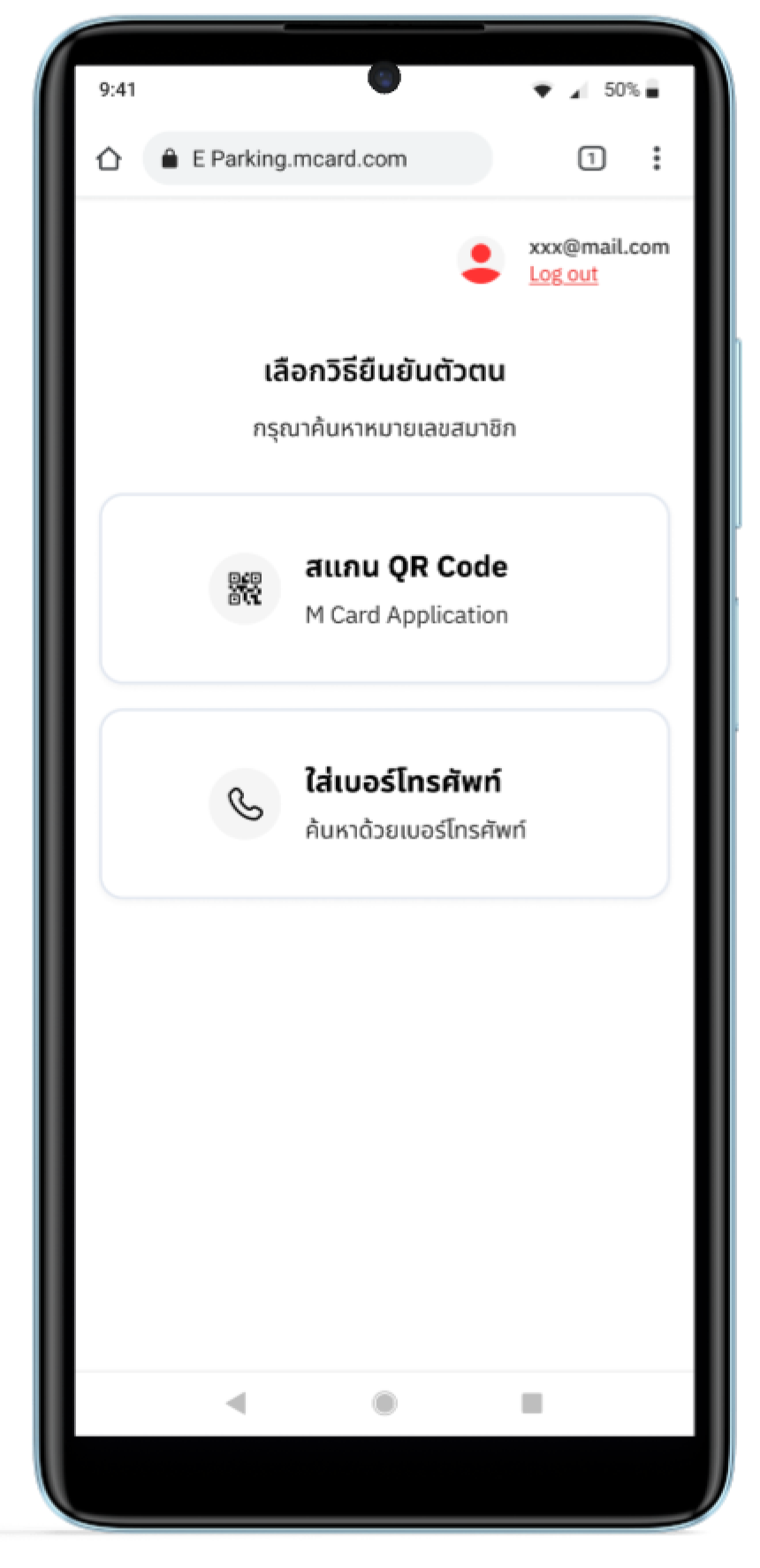
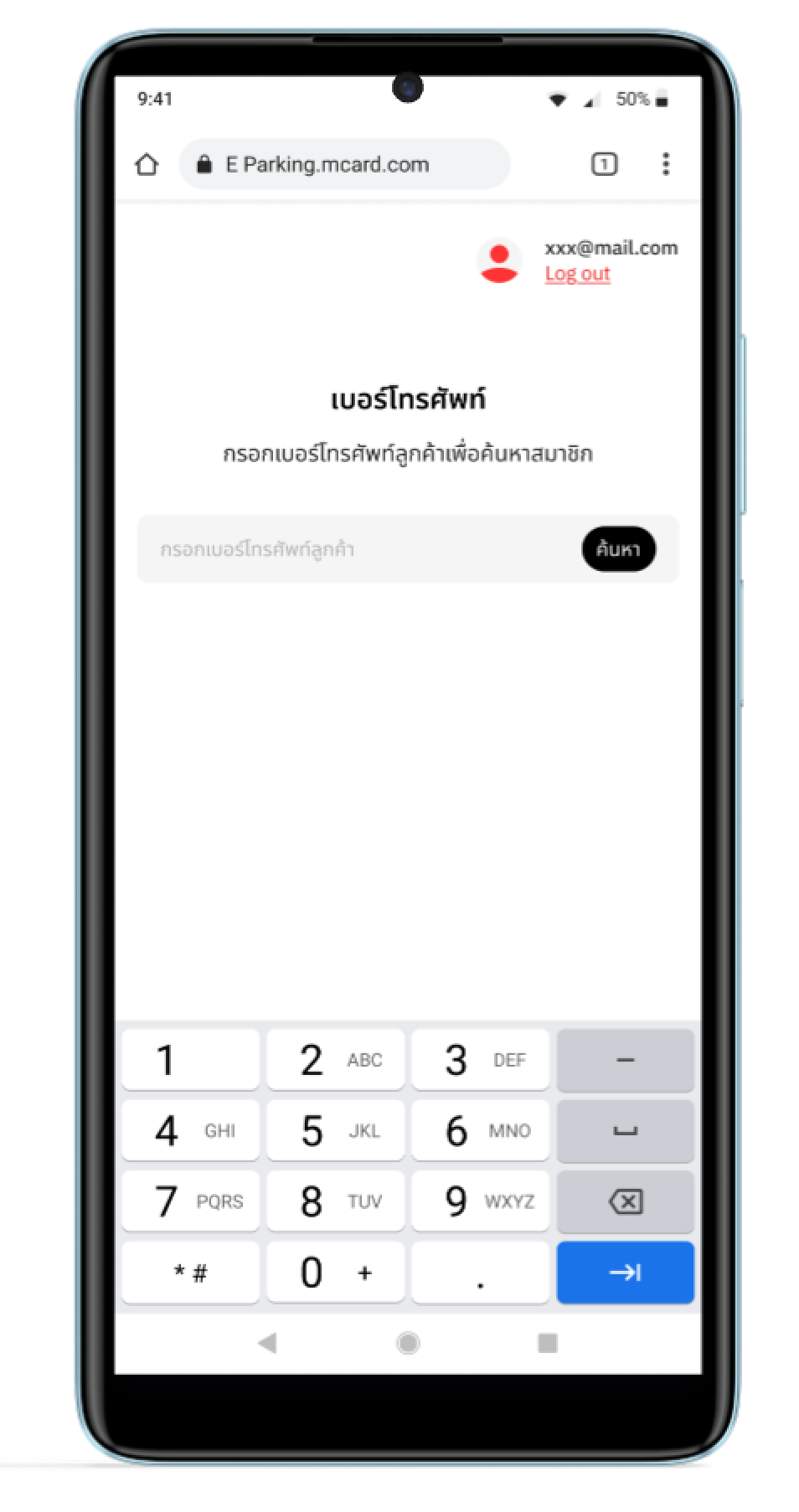
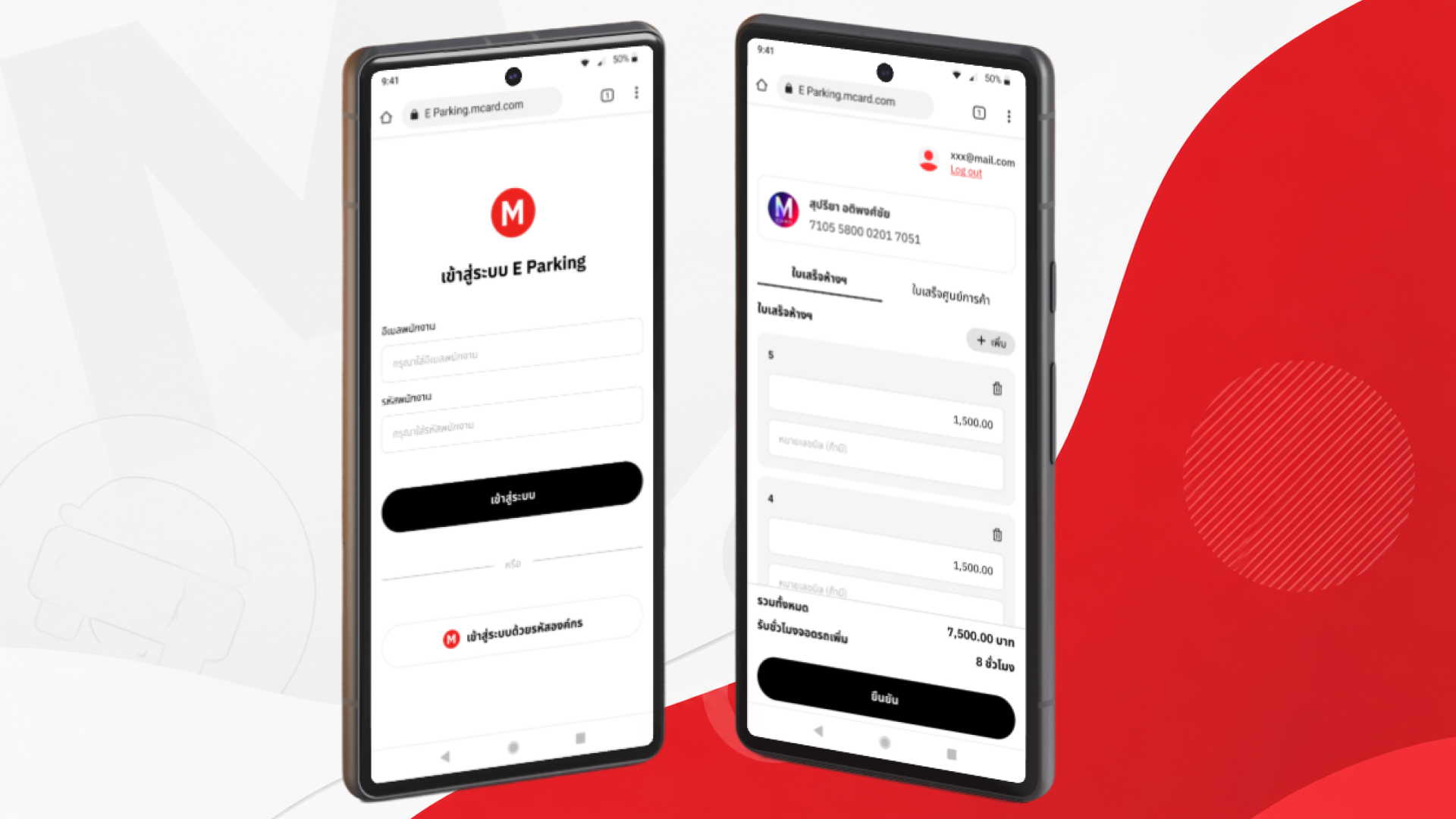
The flow is linear and guided — staff are never presented with more than one decision at a time. Customer lookup is handled in two ways: scanning a QR Code from the M Card app, or entering a phone number, giving staff a fallback if the customer has trouble with the app.
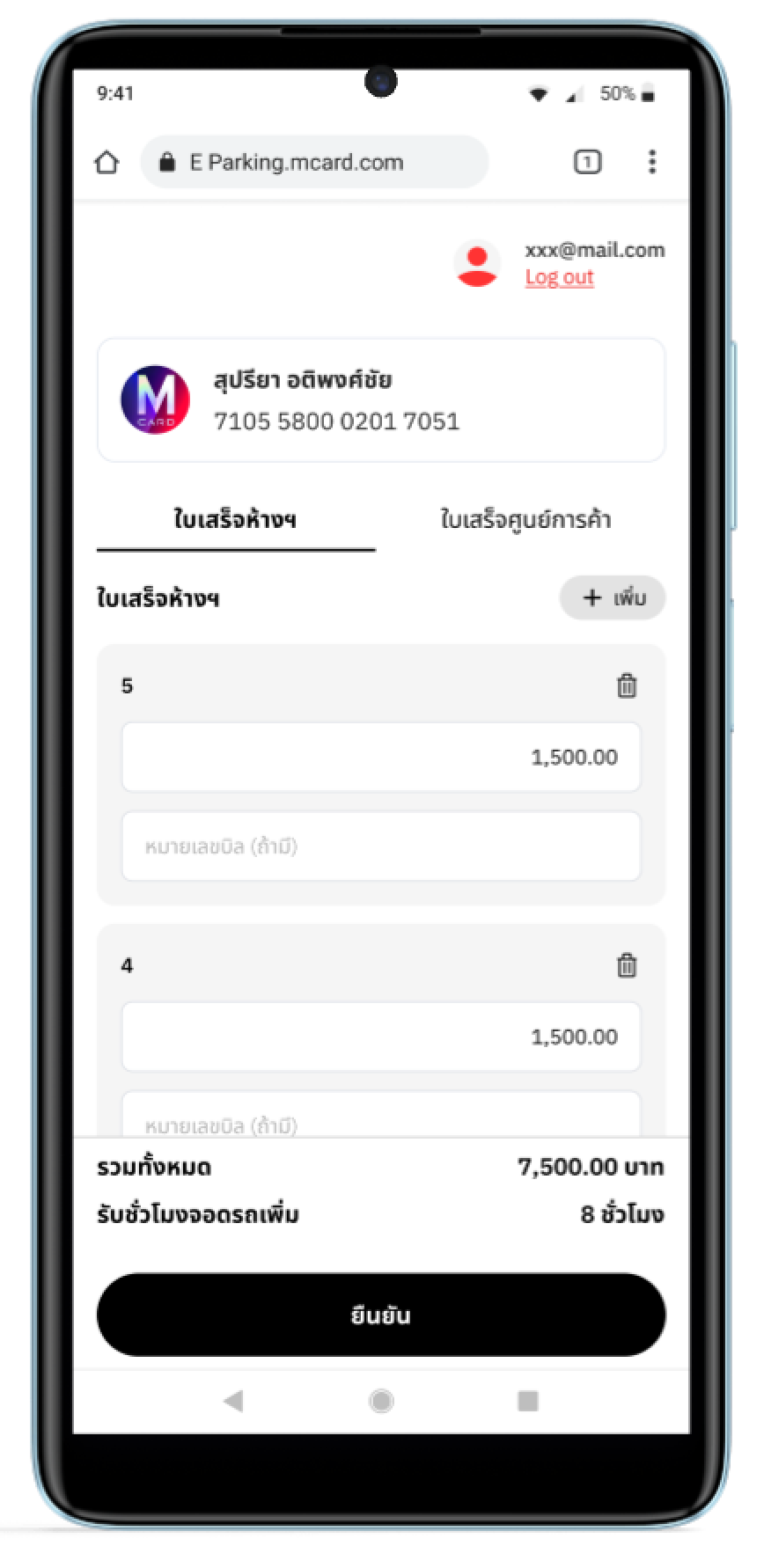
Once a customer is identified, staff enter receipt amounts from two sources — department store receipts and mall receipts — each in a clearly separated tab. The system automatically calculates the total spend and converts it to additional parking hours, showing a clear summary before confirmation.
The entire process from lookup to confirmation takes under a minute with no ambiguity at any step.
Key Design Decisions
- One action per screen — no clutter, no branching decisions
- Large tap targets and minimal text input required
- System calculates everything — staff only enter receipt amounts
- Clear summary screen before final confirmation to prevent mistakes
- Works entirely in a mobile browser, no app install needed
Interaction Walkthrough
The motion demo works best as a quick overview — giving a sense of the full experience before diving into the details.
Product Screens
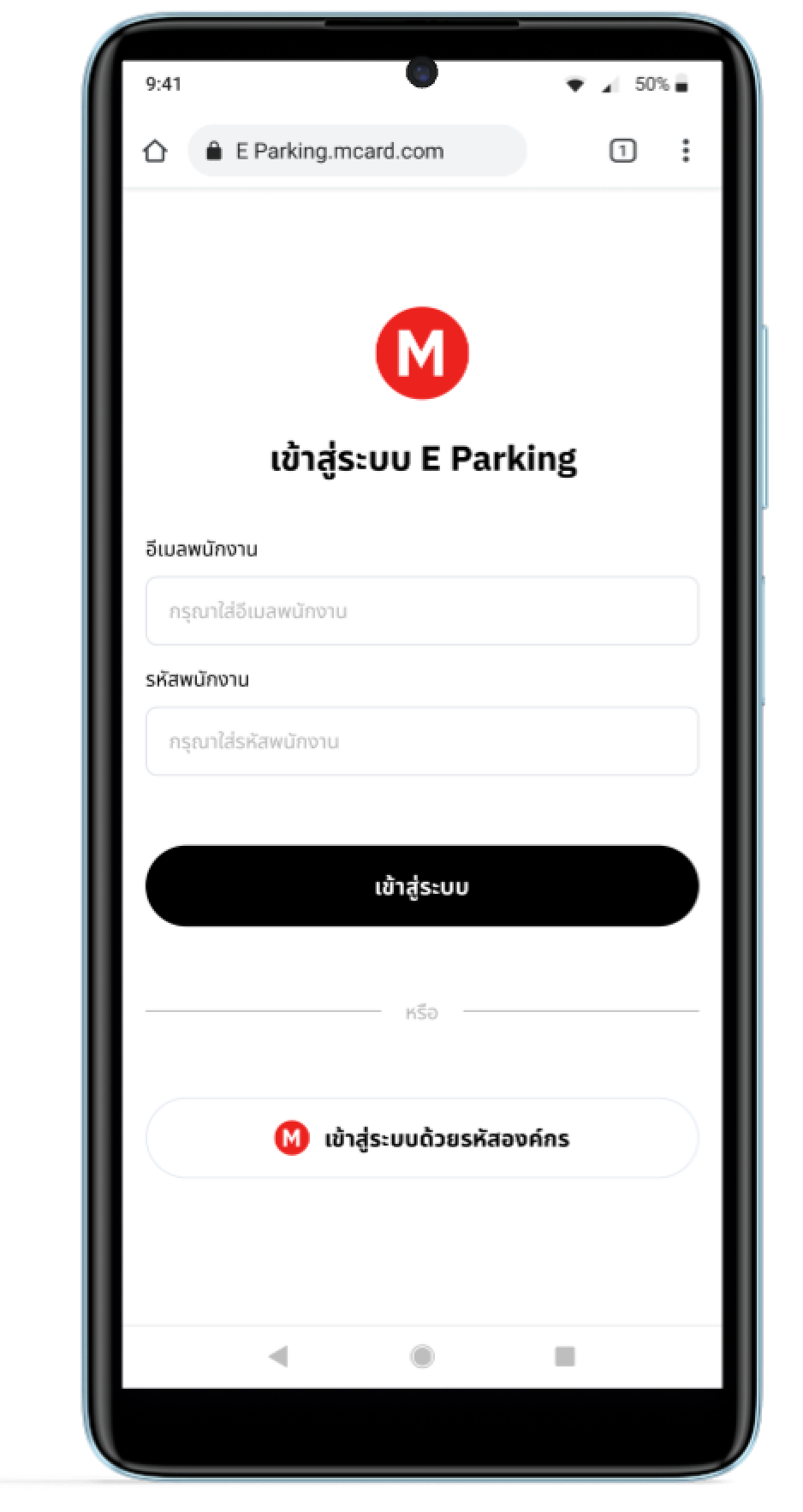
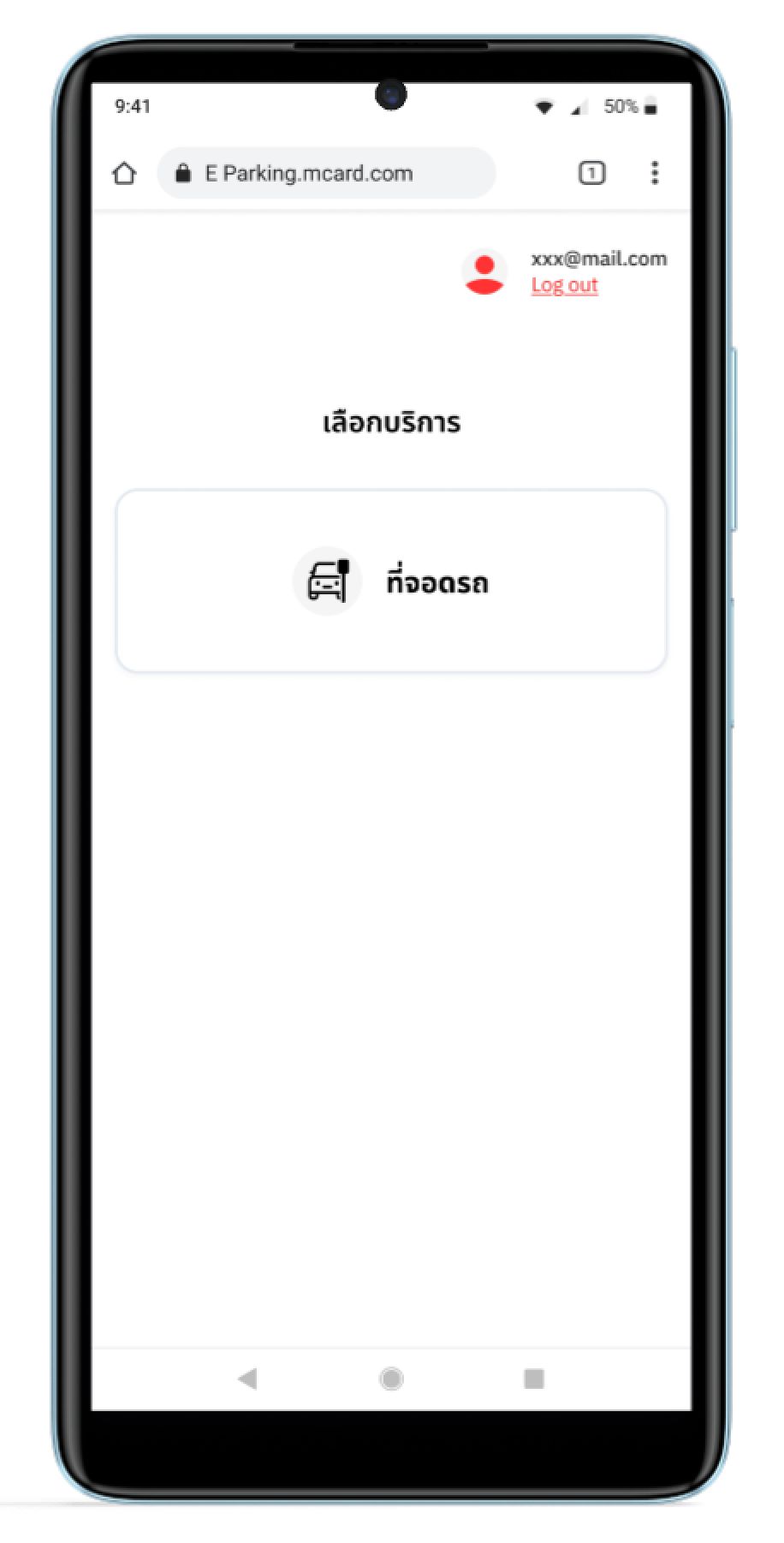
A view of the internal mobile web interface, demonstrating the minimalist design focused on quick data entry.